
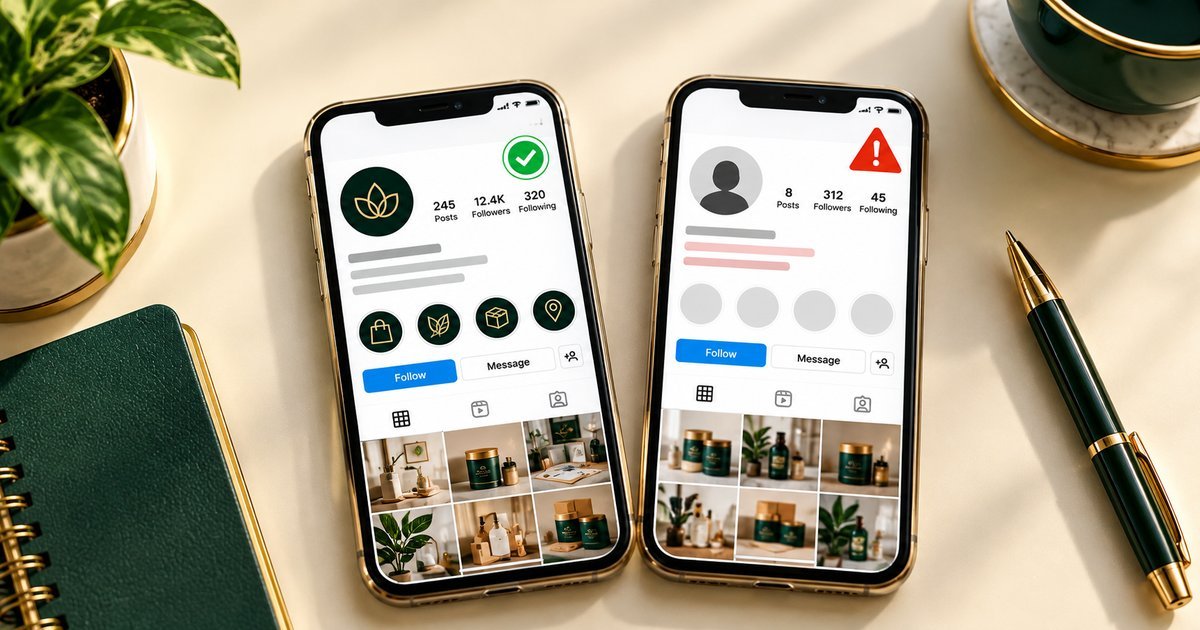
A customer messages you out of nowhere. “Is this your new page? They asked me to pay in advance.” Your stomach drops. You open the link and there it is: your business name, your logo, your photos, on an account you have never seen before. It is already talking to your customers.
I know that feeling. Most people I hear from want to act in the next five minutes, and I understand why. But the fastest report is rarely the strongest one. A reviewer who cannot tell, in thirty seconds, what the fake account is doing and why it is not you will set your report aside. So take a breath. The next hour of careful work matters more than the next five minutes of panic.
One thing before anything else, and I say this in every case: nobody who genuinely helps you will ever ask for your password, your login codes, or your recovery codes. Not platform support, not a helper, not me. If someone asks for those, they are part of the problem, not the solution.
First, slow down and look properly
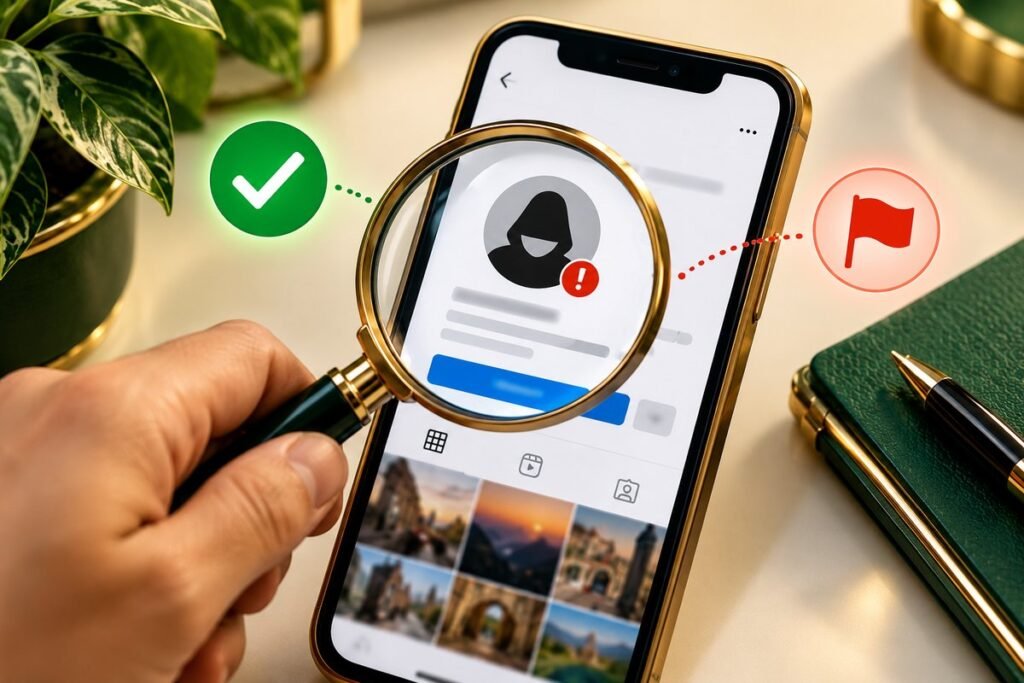
Not every lookalike account is impersonation. That sounds obvious when you are calm, and it is much harder to remember when someone is using your name to take money from your customers. So look at the account the way a stranger would.
Is it using your exact business name, your logo, and your photos, and presenting itself as you? Or does it only have a similar name? Is it contacting your customers, taking orders, asking people for money or personal details? Those are the signs that matter.
It might also be something else entirely. A fan page. A review account. A customer complaining loudly, but clearly saying it is not you. Criticism and a similar name are not the same as pretending to be your business. It could even be an old account of yours, a former employee’s page, or a reseller using your branding without permission. Each of those needs a different answer, and the right report depends on getting this part right.
Try this. Write down, in one sentence, what the account is doing that makes it impersonation. If you cannot say it plainly, you need a little more evidence before you report. That one sentence will become the backbone of everything that follows.
Save everything before it disappears
Impersonating accounts change fast once they feel challenged. They get renamed. Posts get deleted. The whole account vanishes overnight, and with it goes the proof you needed. So save first, confront later. Actually, do not confront them at all until the evidence is safe.
Here is what to grab, right now:
- The full link to the impersonating profile, and to every post or message that misuses your identity.
- Screenshots showing the profile name, photo, bio, and the content that copies you, with dates visible where you can see them.
- The dates you first noticed the account, and when each piece of content appeared, as far as you remember.
- Screenshots of any messages it sent to customers, if a customer shared them with you. Ask their permission first, and do not share their private details more widely than you need to.
- The link to your genuine account or website, so a reviewer can put the two side by side.
Keep the original files, not just cropped screenshots. Put the links and screenshots in one folder together. And note anything that has already changed or disappeared, so your record is honest about what is still visible and what is not.
Your proof that you are the real one
A report is only as strong as the proof behind it. The reviewer does not know you. They need to see, simply and quickly, that you are the real business. Collect only what is relevant, and keep it tidy:
- Links to your genuine account and website.
- Proof of identity or business ownership, if the platform asks for it, for example business documents that match the name on the account.
- Original versions of the photos, logo, or content being copied, with dates if you have them.
- Any earlier use of the name or branding, such as your website history or older posts.
A word of caution here. Do not send identity documents with a first message, and never send them to an account that contacted you. Share sensitive proof only through an official reporting route, or in the way Protect Wajahat explains first if you ask for help.
Which rule actually applies?
Platforms handle different problems under different rules, and this is where good reports go wrong. A report filed under the wrong rule is likely to be refused, even when the problem itself is real. So before you write anything, ask yourself which of these it is:
- Is this impersonation, someone pretending to be you or your business?
- Is it your copyrighted material being reused without permission?
- Is it private content shared without consent?
- Or is it misleading content that does not fit a removal policy at all?
If the content is unwanted but does not break a policy or infringe a right, a removal report may simply not be the right tool. The honest next step might be warning your followers and keeping an eye out for repeat accounts instead. That is not a failure. It is better than a refused report that wastes your one clear shot.
Write the report the way a busy reviewer can read it
Reviewers work through many reports a day. Yours needs to be short, factual, and easy to check. That is all. No anger, no threats, no long backstory in the report itself. Just the facts, in this order:
- Say what the account is, with its link, and what it is doing, in one or two sentences.
- Say who you are, with a link to your genuine account or website.
- List the evidence, in order, and attach it or link to it.
- State the policy or right you believe applies, without legal-sounding claims you cannot support.
- Ask for the specific action the platform’s process allows, for example a review of the impersonating account.
Stick to what can be checked: links, dates, screenshots. Calm wording reads as credible. Long, emotional wording does not.
Three things that hurt good cases
I see the same three mistakes again and again, and each one is avoidable.
Confronting the account first: a warning can lead to the account being renamed or deleted before you have saved the evidence. Save first. Always.
Exaggerating: claiming losses, dates, or ownership you cannot prove can damage the credibility of the parts that are true. Say only what you can show.
Filing the same report many times: duplicate reports can slow the review down. Keep one clear submission and a record of it, then follow the platform’s process for follow-up. And remember, the platform decides. A well-evidenced report makes your case clear. It does not control the outcome.
Before you press send
Run through this once, quickly, before you submit:
- The impersonating account’s link and the links to the copied content are saved.
- Screenshots show the name, photo, and misuse clearly, with dates where possible.
- Your genuine account or website link is included for comparison.
- Your proof of ownership is ready, if requested, and no passwords or codes are included.
- The report is filed under the policy or rights ground that actually fits.
- The wording is short, factual, and free of claims you cannot evidence.
- You have kept a copy of everything you submitted, and the date you submitted it.
What happens after you report
After a report, the usual course is case review, an evidence pack, submission through the platform’s official channels, and follow-up with a clear summary of the outcome and next steps. Timelines are set by the platform’s own review process, so no specific timeframe can be promised. While you wait, keep watching for repeat impersonation. Save any new account the same way, with links, screenshots, and dates, and warn followers only through your genuine account, without linking to the impersonator in a way that drives traffic to it.
Related reading: how to file a strong report for impersonation and harassment on X, and what never to send to anyone claiming to help.
If you would like help assessing whether a case fits the impersonation or unauthorised-content rules, gathering the evidence pack, or filing the report under the correct policy, you can request a Free Case Review and describe what happened, including that it is an Unauthorised Content Removal case. Details are on the Unauthorised Content Removal service page, and pricing is agreed in writing after the initial review and before any work begins.
Leave a Reply